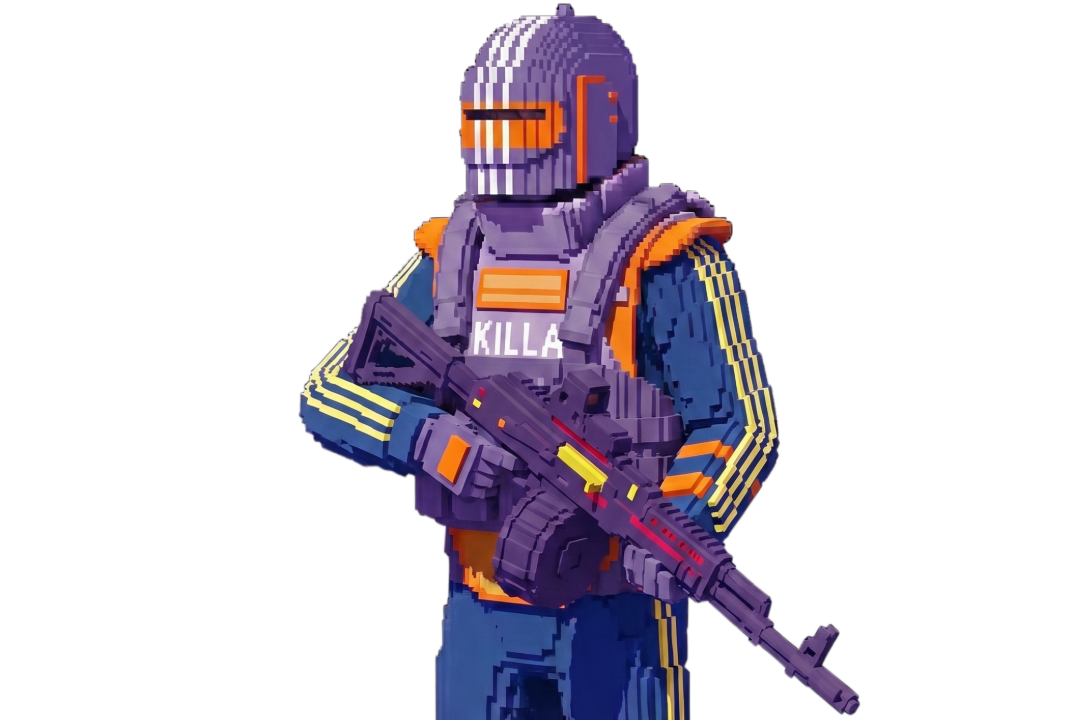
Escape From Tarkov

Working

DESYNC

Buy DESYNC private cheat for Escape from Tarkov: aimbot, silent aim, esp. Warranty and 24/7 support. From $6 — Goldencheats.

Cheat description

😈 DESYNC is a powerful private cheat for Escape from Tarkov featuring Aimbot, Silent Aim, ESP, Radar, and Loot ESP. It helps track players, loot, quest items, grenades, mines, and extracts while providing a wide range of weapon and gameplay features.

Aimbot supports multiple modes, activation keys, smoothness, FOV, automatic target switching, and Silent Aim. ESP displays players, bots, skeletons, names, weapons, armor, ammo, factions, distance, extracts, grenades, mines, and sniper zones.

Radar shows player positions and viewing directions. Loot ESP displays items and loot inside containers and corpses, with price and distance filters and options for highlighting valuable loot.

The Misc section includes No Recoil, No Breath, No Sway, Infinite Stamina, Thermal Vision, No Visor, Loot Through Walls, Chams, Fast Search, Skip Examining, and Always Daytime. Quest Info, a friend system, Panic Key, and flexible key settings are also available.

DESYNC is a comprehensive private EFT cheat combining precise Aimbot, informative ESP, Radar, Loot ESP, and a wide range of additional features. Before launching, it is recommended to check the current DESYNC status, compatibility, and product requirements.

System Requirements

Supported game launcher:
STEAM & Launcher
Included spoofer:
Yes
Anticheat:
Game anticheat
Stream Bypass:
Yes
Supported game modes:
Windowed, Borderless, Fullscreen
Supported CPU:
Intel & AMD
Supported OC:
Windows 10 (21H2, 22H2), Windows 11(22H2, 23H2)

Features

AIMBOT

  • Mode – AIMBOT mode selection
  • Key 1 / Key 2 – aim activation key
  • Auto switch – auto change target after kill
  • Smooth – aimbot smoothing
  • Spot – shows current aim target
  • FOV – target capture radius
  • Show FOV – draw FOV radius
  • Show Spot – draw aim marker
  • Show current aim bone – display selected bone
  • Legs for nearest bone – aim at legs as nearest bone
  • Silent AIM – silent aiming

ESP

  • Show Visuals – enable wallhack
  • Box – draw box
  • Bone – draw skeleton
  • Name – display enemy names
  • Exits – show exits
  • Grenades – show grenades
  • Player Price – show player inventory price
  • Level – player level
  • Snipe zone – sniper zones
  • Weapon – weapon in player’s hands
  • Mines – draw mines
  • Enemy armor – display armor
  • Enemy ammo – display enemy ammo
  • Head outline – head highlight
  • Players on map – show player list on map
  • Bear / Usec – show faction
  • K/D rate – kill/death ratio
  • Bot name – display bot names
  • Distance – calculate player distance
  • Snapline – lines to players
  • Turn off info – hide additional info (top-left)
  • Max distance – ESP render distance

RADAR

  • Mode – radar mode selection
  • Color – background color
  • Transparency – radar transparency
  • Max Distance – radar working distance
  • Players' perspective – player view direction
  • Gaze indicator – shows if enemy looks at you

MISC

  • Crosshair – additional crosshair
  • Border – radar border type
  • Radar – enable radar
  • My Ammo – show ammo amount and type
  • No recoil + No breath + No sway – disable shaking, weapon sway and recoil
  • No visor – remove visor
  • Infinity stamina – infinite stamina
  • Thermal visor – night/thermal vision
  • Loot through walls – loot items through walls (up to 4m)
  • Chams – player color models
  • Quest items – display quest items
  • Quest marks / places – display quest locations
  • Quest full info – quest hints
  • Always daytime – always day (client-side)
  • Skip examining – instant examine
  • Fast search – fast enemy search

LOOT

  • Open custom loot filter – open manual loot filter
  • Show items – show items
  • Show loot in containers – container loot
  • Show loot in dead boxes – loot in corpses
  • Show ‘found in raid’ – FIR status
  • Show full weapon price – weapon value
  • Show drink / food (15%) – food/water under 15%
  • Collapse container child – show nested container content
  • Show debug items – debug items
  • Show all keys – all keys
  • Show all medicine – all medicine
  • Show best loot – highlight best loot
  • Sort by price – sort by price
  • Sort by slot – price per slot
  • Min item price – minimum price
  • Max item distance – item distance
  • Max container distance – container distance

FRIENDS

  • Add friend – add friend (ignore in aimbot)
  • Remove friend – remove friend

KEYS

  • Keys – keybind settings
  • Panic key – instant visuals disable
  • Show loot key – toggle loot
  • Thermal vision key – toggle thermal vision
  • Switch aim spot key – switch aimbot bone
  • Unload key – unload cheat
  • Font size – select font size
  • Font name – select font