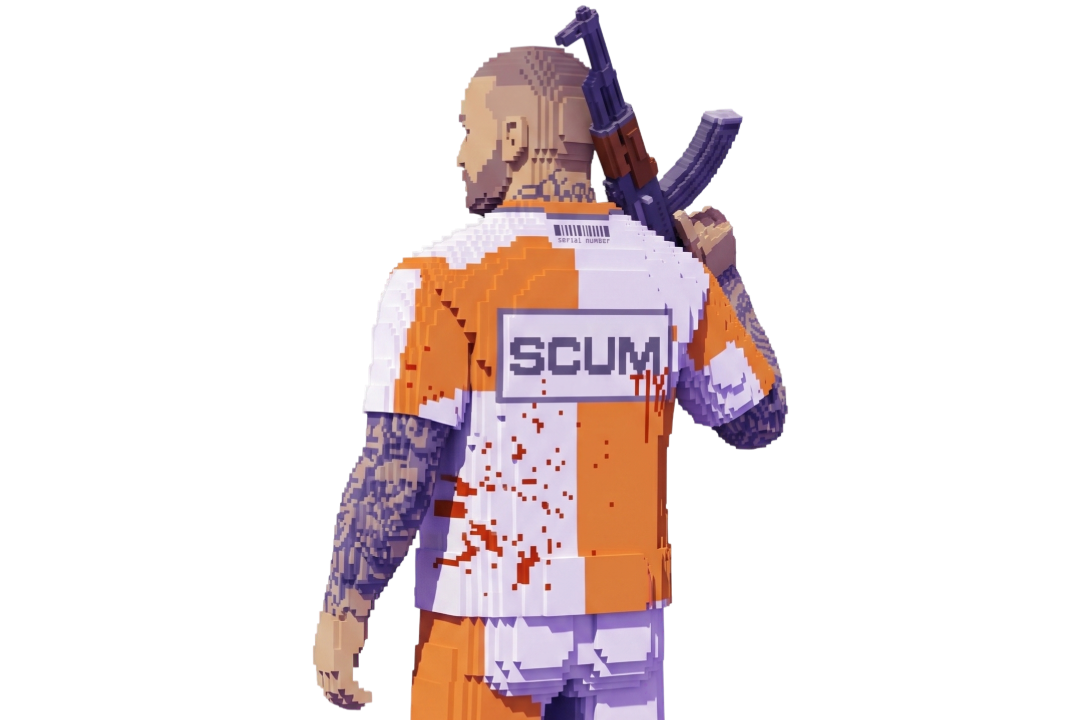
😈 ARCANE is an advanced private cheat for SCUM with a customizable Aimbot and extensive ESP. The cheat combines detailed tracking of players, zombies, turrets, animals, items, vehicles, and drones with a wide range of visual settings, giving you detailed control over important objects around the map.
- The Aimbot supports targeting players and zombies with different activation modes, including toggle and hold. Target priority can be configured by screen center or distance, while additional settings include FOV, smoothness, maximum distance, and visibility checks. Bone selection allows you to target the head, neck, body, or legs, while the FOV display helps visualize the active aiming area.
- Player ESP provides multiple box styles, including 2D, standard, corner, filled, static, and gradient boxes. It can also display nicknames, distance, held items, skeletons, and lines to targets. Visibility checks allow visible and hidden players to be configured separately, including different colors for their skeletons. Drone ESP is also available.
- Zombie ESP displays boxes, health, names, distance, and skeletons, while health can be shown as text or through different bar styles, including static, health-based, and gradient bars. Visibility checks, separate colors for visible and hidden zombies, and render distance settings are also available. Turret ESP provides a similar set of visual options with boxes, names, distance, and skeleton display.
- Animal ESP helps track bears, wolves, boars, deer, donkeys, horses, goats, crows, seagulls, chickens, and rabbits. Health, status, and distance can be displayed, while the render distance can be adjusted for animal tracking.
- Item ESP allows you to locate loot through separate categories for weapons, bows, backpacks, vests, helmets, clothing, grenades, accessories, ammunition, melee weapons, chests, food, drinks, medication, weapon lockers, and cargo. Category and distance information can be displayed, with combat mode and maximum render distance settings available.
- Vehicle ESP covers ground, water, and air vehicles. Separate colors can be configured for each vehicle type, along with category and distance display. Supported objects include WolfsWagen, Laika, Rager, motorcycles, mountain and city bicycles, wooden motorboats, small and large improvised rafts, SUPs, and the Kinglet Duster.
- The Misc section includes No Recoil, No Spread, Unlimited Ammo, and Speedhack. A dedicated Crosshair module lets you choose between a plus, circle, dot, X cross, empty cross, galactic compass, or triangle style, with adjustable size and thickness.
- ARCANE also provides extensive interface customization, including dark and light themes, accent color, language selection, VSync, FPS limit, DPI scaling, FPS display, and particle effects. Watermark and notification positions can also be configured. Multiple configurations can be created, saved, loaded, and deleted for different setups.
ARCANE is regularly updated and provides stable performance on current versions of SCUM. The cheat combines extensive ESP, Aimbot, Loot ESP, vehicle and animal tracking, and additional gameplay features in one comprehensive private solution. Before using the product, we recommend checking the current product status, compatibility, and system requirements.