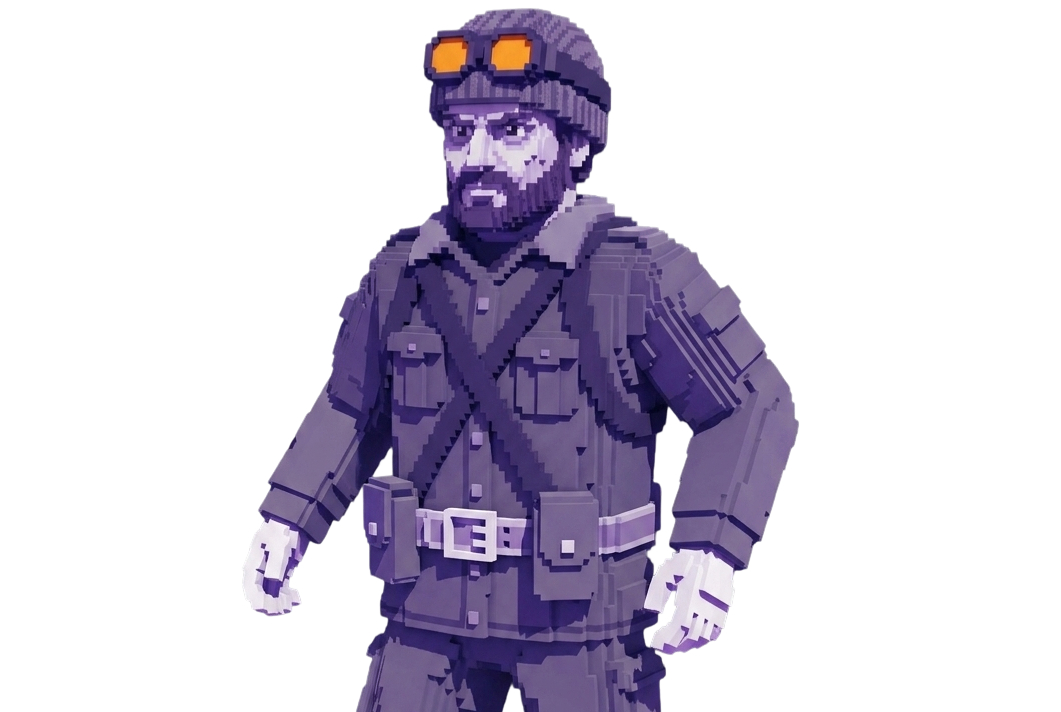
Xernel — Stalcraft cheat

STALCRAFT

Working

Xernel — Stalcraft cheat

Buy Xernel private cheat for Stalcraft: player esp, npc esp, entity esp. Warranty and 24/7 support. From $5 — Goldencheats.

Cheat description

😈 Xernel is a multifunctional cheat for Stalcraft featuring advanced ESP modules for players, NPCs, mutants, loot, artifacts, and corpses. Its flexible visualization settings provide detailed information about in-game objects in both PvP and PvE.

  • Player ESP displays players and humanoids using 2D, 3D, and corner boxes, skeletons, snaplines, and information about weapons, armor, and factions. Options include visibility checks, customizable colors, line thickness and fill transparency, as well as Streamer Mode for hiding player names.
  • Bot & NPC ESP and Animal & Mutant ESP provide separate visualization for NPCs, bots, animals, and mutants, with options for handling friendly and unknown characters. Loot ESP highlights bags, gatherable items, and unknown loot, with icons, boxes, and rarity filters ranging from Common to Unique. Artifact ESP includes Artifact Aura with an adjustable automatic-pickup radius.
  • Corpse ESP displays player, animal, and NPC corpses, along with associated loot bags. ESP settings can show object names, health, distance, categories, Object ID, and Runtime Class, with customizable labels, markers, and maximum display distance.
  • Battle Mode lets you switch to a player-only display. Aimbot includes Aim Assist, Normal Aim, and Silent Aim, with target area selection and adjustable FOV and smoothness. Triggerbot supports automatic firing when a target is acquired, with visibility and headshot filters. Additional features include No Recoil, an overlay FPS limit, and manual DLL unloading.

Xernel also supports saving and loading configurations, with separate settings for different profiles. Before launching, it is recommended to check the current Xernel status, compatibility, and product requirements.

System Requirements

Supported game version:
EXBO
Included spoofer:
No
Stream Bypass:
No
Supported game modes:
Borderless, Windowed
Supported CPU:
Intel & AMD
Supported OC:
Windows 10, Windows 11

Features

Player ESP

  • Player ESP
  • Humanoid ESP
  • Faction Tag
  • Hide Own Faction
  • Streamer Mode - Hide Nicknames
  • Held Weapon Display
  • Worn Armor Display
  • Equipment Icons - Weapon and Armor
  • Equipment Icon Size
  • Visibility Check
  • Player Visibility Colors
  • Humanoid Visibility Colors
  • Skeleton ESP
  • Bones via Float Getters
  • Box From Skeleton
  • Skeleton Draw Distance
  • 2D Boxes
  • Humanoids-Only Boxes
  • Corner Boxes
  • 3D Boxes
  • Filled Boxes
  • Snaplines
  • Custom Box Color
  • Box Rounding
  • Box Thickness
  • Fill Opacity

Bot & NPC ESP

  • Bot ESP
  • NPC ESP
  • Hide Friendly NPCs
  • Unknown Actors ESP
  • NPC Visibility Colors

Animal & Mutant ESP

  • Animal ESP
  • Mutant ESP
  • Mutant Visibility Colors

Loot ESP

  • Loot Bags ESP
  • Herbs ESP
  • Collectibles ESP
  • Unknown Loot ESP
  • Item Icons
  • Icon Size
  • Rarity Tags
  • Color By Rarity
  • Minimum Rarity Filter - Common to Unique
  • Loot Boxes

Artifact ESP

  • Artifact ESP
  • Artifact Aura - Auto-Pickup Radius
  • Artifact Aura Radius

Corpse ESP

  • Corpse Bags ESP
  • Player Corpses ESP
  • Animal Corpses ESP
  • NPC Corpses ESP
  • Plain Corpse Bags ESP

Battle Mode

  • Battle Mode - Players Only
  • Battle Mode Keybind
  • Toggle Mode
  • Hold Mode

ESP Settings

  • Name Labels
  • HP Display
  • Distance Display
  • Category Labels
  • Object ID
  • Runtime Class
  • Label Background
  • Point Markers
  • Maximum Draw Distance
  • Marker Scale

Aimbot

  • Aim Assist
  • Key-Held Activation
  • Normal Aim
  • Silent Aim
  • Aim Keybind
  • Always On - Auto-Resolver
  • Head Targeting
  • Chest Targeting
  • Pelvis Targeting
  • Nearest Bone Targeting
  • Aim FOV
  • Aim Smoothing

Triggerbot

  • Auto-Fire on Target Lock
  • Only Visible Targets
  • Head Only
  • Minimum Shot Interval

Combat

  • No Recoil

Misc

  • Overlay FPS Limiter
  • Manual DLL Unload

Configs

  • Save Config
  • Load Config
  • Per-Profile Configurations