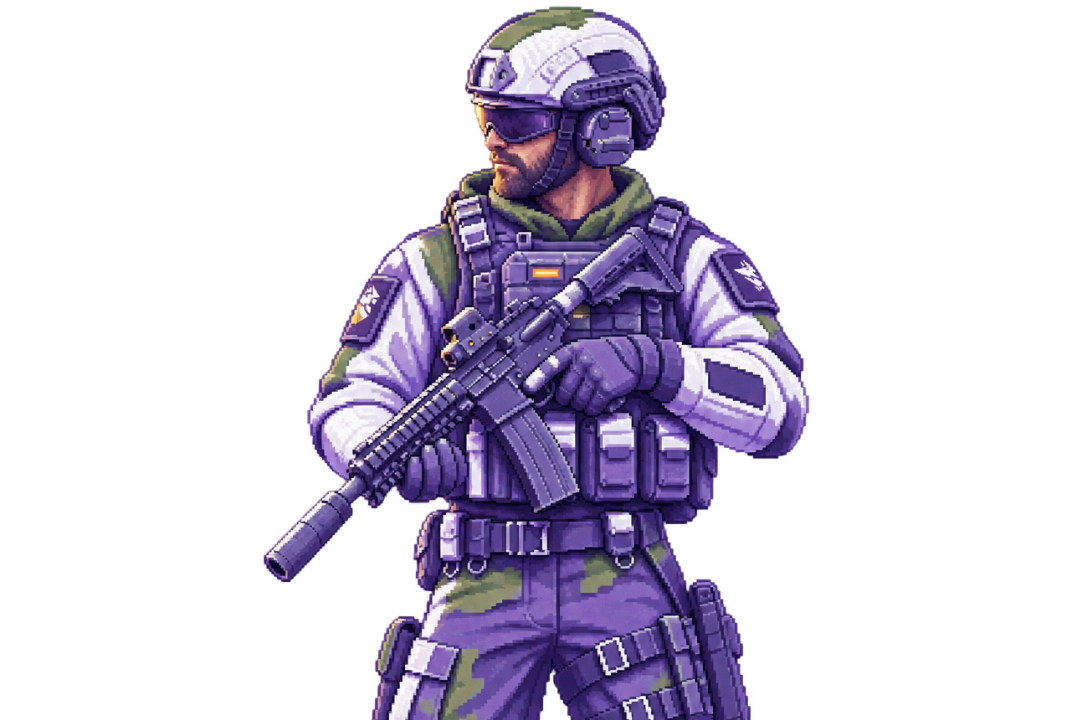
😈 Byster is a private cheat for WARDOGS featuring precise Aimbot, extended Player ESP and World ESP, Radar, and configurable ballistics. It helps track enemies, vehicles, projectiles, explosives, buildings, and other important objects across the battlefield while providing additional weapon and camera controls.
- The Aimbot supports head, neck, body, and pelvis targeting, along with adjustable FOV radius, aim smoothness, and maximum distance. Target bone priority can be configured using the closest-to-crosshair, random-on-acquisition, or first-selected options. Additional settings include target lock, target-switch delay, Humanizer and its strength, reaction delay, and a sensitivity multiplier. Visibility checks can be enabled or bypassed, allowing the system to ignore visibility restrictions. Targeting also supports players inside vehicles, players operating turrets, and vehicles themselves. Other options include ignoring downed players and customizing the FOV circle and its color.
- Ballistics provides tools for accounting for target movement and projectile trajectory. It includes Prediction, automatic bullet velocity detection, manual projectile speed adjustment, prediction scaling, and gravity compensation. Weapon features include No Sway, No Recoil, No Spread, Instant Scope, No Camera Shake, and Rapid Fire with adjustable fire rate. Bullet velocity and effective weapon range can also be modified.
- Player ESP displays enemies and teammates using outline, corner, or filled boxes with adjustable fill transparency. On-screen information includes skeletons, nicknames, health, distance, held weapons, armor durability, player status, effects, mutations, and squad markers. The system supports visibility checks, downed-player display, off-screen arrows, and separate player indicators for occupants of vehicles. Distance-based scaling reduces text and box sizes for farther targets, while the maximum render distance controls how far ESP elements remain visible.
- World ESP expands battlefield awareness by displaying vehicles, projectiles, grenades, explosives, interactive objects and their states, objectives, hot zones, buildings, dropped backpacks, backpacks left after death, and FOB resources. Object names, distance, status, threat lines, objective timers, category-specific colors, and individual render distances can be configured. Filters allow users to display only active threats or only enemy threats, while object grouping helps organize nearby elements. Vehicle classification includes cars, tanks, helicopters, aircraft, and turrets.
- Radar and Full Map provide additional situational awareness. Radar settings include size, range, rotation relative to the player’s direction, and teammate hiding. The full map supports adjustable size, zoom, and rotation. Battle Mode displays only players, helping focus attention on opponents. Camera tools include FOV Changer and Free Camera, with a configurable activation key and hold or toggle mode. Always Crit Spot makes every hammer hit count as a critical hit.
- The Mortar tool provides an aiming guide, uses the latest in-game marker as the target, and supports the right mouse button on the full map as an alternative target-selection method.
Overall, Byster for WARDOGS combines aiming assistance, ballistic controls, detailed player and world tracking, tactical mapping, and additional combat and building tools. Before using the product, we recommend checking the current product status, compatibility, and system requirements.